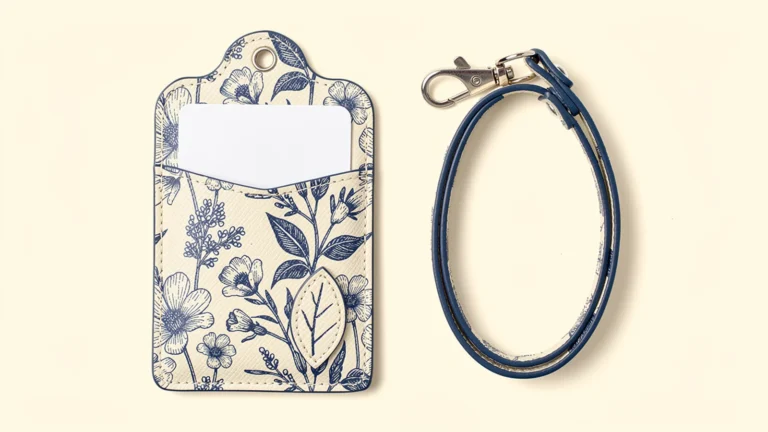
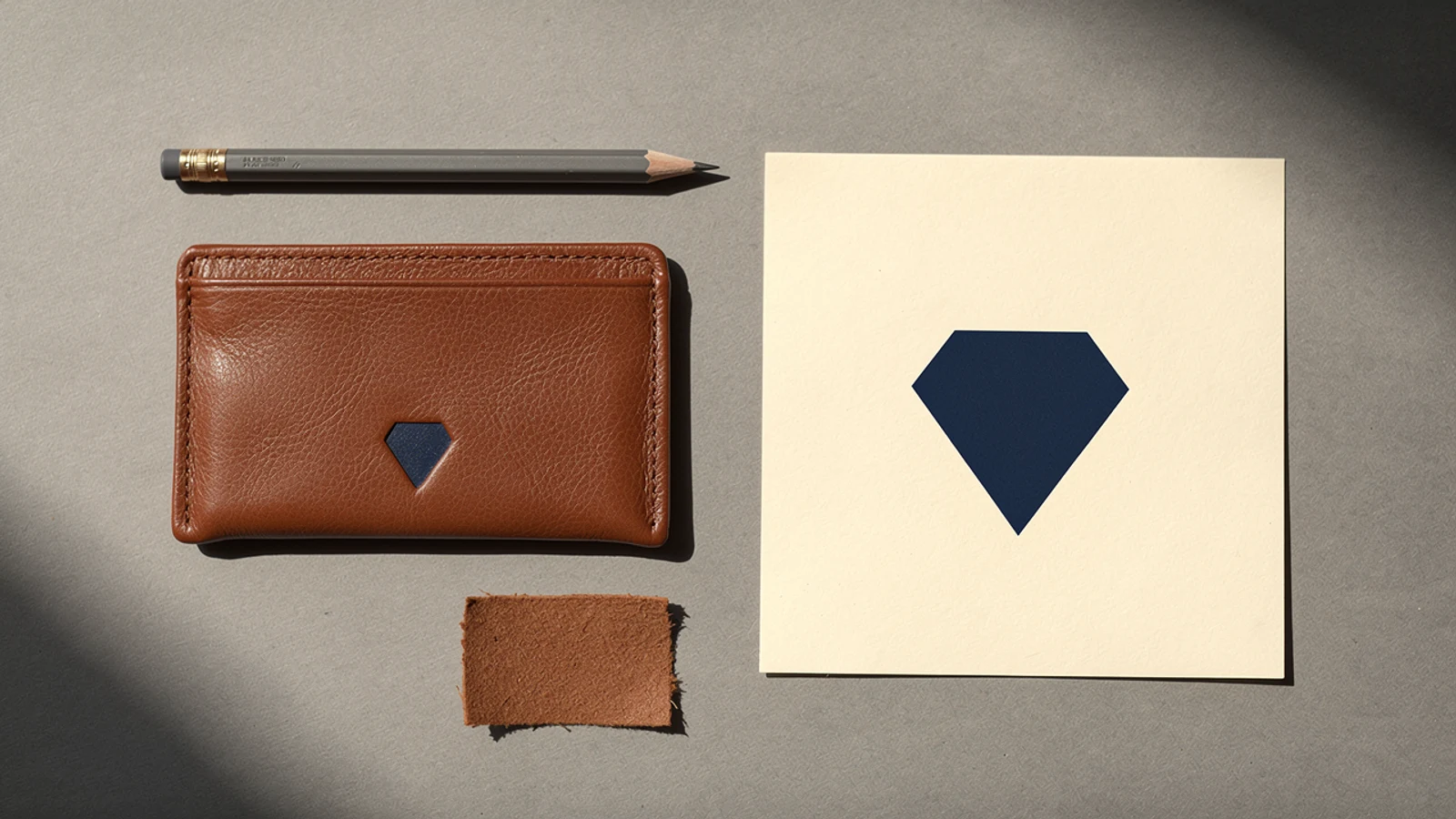
Images are AI-generated concepts, not verified Xinchao product or packaging specifications.
Good card holder logo artwork includes more than an image of the logo. Send the supplier an editable master file, the intended decoration method, the finished logo size and a placement drawing on the selected holder. Add a viewing PDF so everyone can check the same design. Before production, confirm the appearance on the actual material rather than approving only an enlarged screen mock-up.
For buyers of custom leather card holders, this preparation helps separate three decisions: what the brand mark should look like, how it will be applied, and where it will sit on the finished product. This guide focuses on that artwork handoff, not on choosing the holder’s material or setting printing-machine parameters.
Build a complete card holder logo artwork package
Start with the original brand assets from the designer or brand owner. A logo copied from a website may be useful as a visual reference, but it should not automatically become the production master. Ask the supplier which file formats its chosen process accepts before commissioning conversion work.
| Item to provide | What it resolves | What to confirm |
|---|---|---|
| Editable logo master | The intended shapes and lettering | File opens correctly and contains usable artwork |
| Viewing PDF | A shared visual reference | It matches the editable master |
| Finished logo dimensions | How large the mark will be | Units and whether dimensions include the full mark |
| Placement drawing | Where it belongs on the holder | Front or back, upright direction and reference edges |
| Color or finish reference | The intended appearance | Ink, foil or uncolored impression is clearly identified |
| Revision identifier | Which version is approved | One current version is named in the approval |
Keep instructions together. If the email requests a silver mark while the drawing shows gold, resolve the conflict before sampling. A supplier should not have to infer whether the written brief, image attachment or older quotation takes priority.
Understand vector artwork without relying on the filename
Vector artwork describes shapes using paths, while raster artwork uses pixels. Vector graphics can be resized without the same pixelation problem that occurs when a small raster image is enlarged. Adobe explains the distinction between raster and vector files.
For a simple brand mark, ask your designer for a suitable vector master and confirm the supplier’s preferred format. Do not assume that a file is genuinely editable vector artwork just because it ends in PDF or AI: a document can contain a placed bitmap. Renaming a screenshot does not rebuild the logo’s outlines.
Photographs and textured illustrations are different. They may belong in a raster-based print workflow. In that case, give the supplier the intended reproduction size and ask it to confirm the required image resolution. Avoid applying a single resolution rule to every file, product size and decoration process.
If only a small logo image is available, have the artwork reconstructed and checked against the approved brand identity. Do not accept automatic tracing without reviewing curves, letter shapes and spacing. The reconstructed file is a revised asset and needs brand approval before it becomes a production reference.
Match the artwork to the proposed decoration method
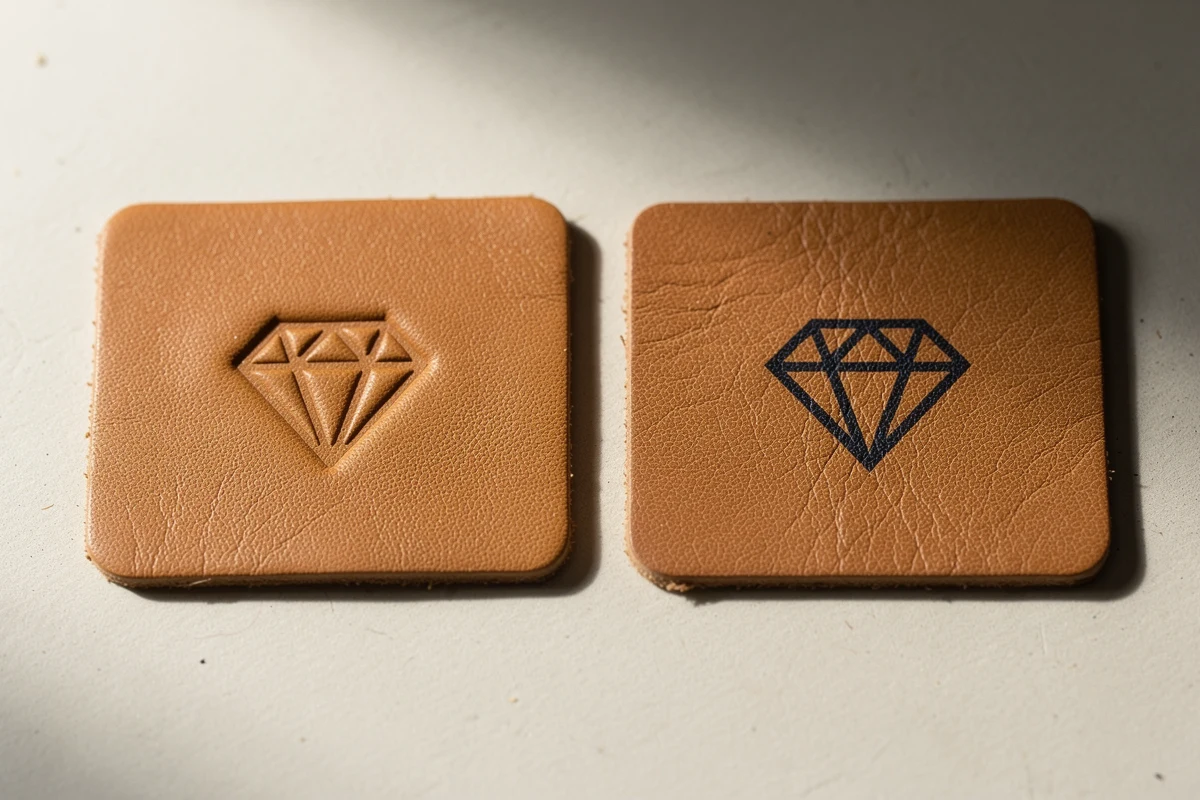
Ask the supplier to describe the requested result in plain language. A recessed, uncolored mark is a different brief from a colored printed mark, even when both use the same logo outline. An image of a finished product can help explain the desired appearance, but it cannot establish the manufacturing settings or material compatibility.
For an impression, ask which small details and gaps can be reproduced on the selected material. For printing, identify which parts require color and whether the design includes gradients or photographic content. For foil, specify the desired foil appearance and request a relevant physical reference. Do not assume that a metallic-looking screen color defines the foil used in production.
If the supplier proposes changing the artwork to suit a process, request a marked-up version showing the changes. Widening a gap, removing a fine line or simplifying a symbol may improve manufacturability, but it also changes the logo. Keep the production adaptation separate from the original master and obtain the brand owner’s approval.
The aim is not to force one file through every method. It is to retain the approved identity while documenting the version accepted for a particular finish. This guide does not assign universal minimum line widths or impression depths; those need confirmation for the actual material and process.
Review small details at the finished size
Print the proposed mark at its intended dimensions on paper. Check the smallest text, open spaces inside letters and fine decorative elements. This is a useful screening step, although paper cannot predict the final appearance on a textured surface.
Next, ask for a sample on the proposed material. Examine whether the small features remain distinguishable and whether the overall mark still looks balanced. A photograph with strong side lighting may emphasize an impression more than ordinary viewing does, so use the physical sample when appearance is important.
If the logo includes a long tagline, consider whether the brand permits a simpler small-format version. Do not remove wording on your own. An approved symbol-only variant can be more appropriate for a compact panel, but that is a brand decision as well as a production decision.
Avoid solving every legibility problem by enlarging the mark. The larger version may collide with a seam, pocket edge, fold or display window. Review the artwork and its usable surface together.
Define placement from repeatable reference points
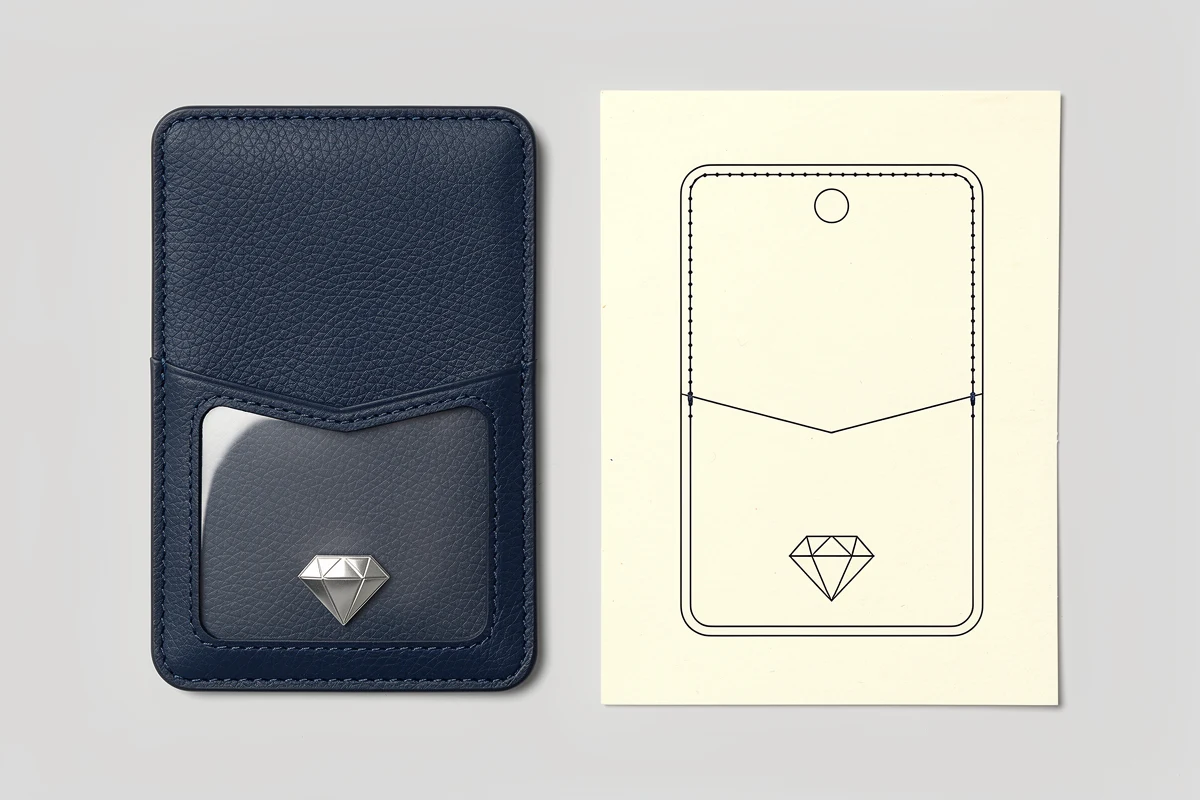
A request such as “put the logo near the bottom” leaves too much room for interpretation. Identify the side of the holder, show its upright direction and give the logo’s dimensions. Specify the reference used for placement, such as a finished edge or an agreed centerline, and ask the supplier to confirm how it will measure the position.
Distinguish the edge of the leather panel from the stitch line. They are not interchangeable reference points. For a shaped holder, identify the relevant drawing view rather than assuming that the longest edge defines the horizontal direction.
For windowed badge holders, keep holder branding separate from the information visible on the inserted ID. A decorative mark should not unintentionally compete with or cover the card’s required fields. For multi-pocket sleeves, confirm which panel receives the decoration and whether a pocket opening interrupts the artwork.
Agree any placement tolerance with the supplier in the product specification. This article does not prescribe a universal tolerance. The drawing should communicate a measurable requirement that both parties understand.
Approve colors and variants explicitly
Name the color reference or physical sample used for approval, together with the holder material and finish. An emailed photograph is a useful record, but it is not a controlled color standard. Ask how the proposed mark will be assessed on each product color in the order.
For example, the same dark logo may have a different visual contrast on a light tan sleeve and a dark navy sleeve. If the second variant needs a different ink or finish, record it as a separate combination. Do not let one approved sample silently authorize every colorway.
Where the order includes individual names, departments or other variable data, keep the fixed logo artwork separate from that data. Establish who checks spelling, which characters are required and how each personalized item will be identified. Share only information needed for production and use the agreed transfer method.
Release one clearly identified artwork revision
Before authorizing production, assemble the current master, viewing file, placement drawing and sample reference. Confirm that the quotation and approval refer to the same material, decoration method and artwork revision.
Your approval can identify the file name, drawing revision, selected colorway and sample reference without claiming that every other product requirement has been approved. If the logo is approved but the holder structure is still being revised, state that distinction explicitly.
For the broader product review, use our leather card holder sample checklist. To explore the product configuration itself, see the custom leather card holder overview. A clear artwork package supports that specification; it does not replace it.
FAQ
What file should I send for a custom card holder logo?
Send the original editable logo master in a format accepted by the supplier, plus a viewing PDF, finished dimensions and a placement drawing. Confirm that the production file contains usable artwork rather than only an embedded screenshot.
Can a PNG logo be used for a leather card holder?
A PNG may be suitable for some print workflows if its resolution is sufficient at the final size. It is not automatically suitable for every decoration method. Ask the supplier to assess the actual file and request a vector master when needed.
Is the same artwork suitable for printing and an uncolored impression?
Not necessarily. Fine details, color effects and spacing may need different treatment. Ask for any proposed adaptation to be shown separately and approved before production.
How should I specify logo placement?
Identify the holder side and upright direction, provide the finished logo dimensions, and show its position relative to agreed reference edges or centerlines. Confirm whether measurements refer to a panel edge or a stitch line.
Can I approve the logo from a digital mock-up alone?
A digital mock-up can confirm the intended layout, but it does not establish the final appearance on the selected material. Review a suitable physical sample when texture, color or impression quality matters.
To prepare an artwork brief for your project, send Xinchao your logo files and intended holder configuration, including the proposed finish and placement.